Streaming Online Radio to Algo IP Devices
Use an online radio stream URL to distribute audio across Algo IP endpoints and other compatible multicast receivers.

Estimated reading time: 3 minutes
Overview
The Algo 8301 IP Paging Adapter & Scheduler, 8305 Multi-Interface IP Paging Adapter, and 8312 Expanded IP Paging Adapter can receive audio from an online radio stream URL and multicast it to devices across the network.
This gives organizations a centralized source for background music or other continuous audio. Instead of connecting and managing a separate playback source at each endpoint, as of Firmware 5.7, the 8301, 8305, or 8312 receives the online stream and distributes it to devices assigned to the selected multicast zone.
Distributing Online Audio Across a Facility
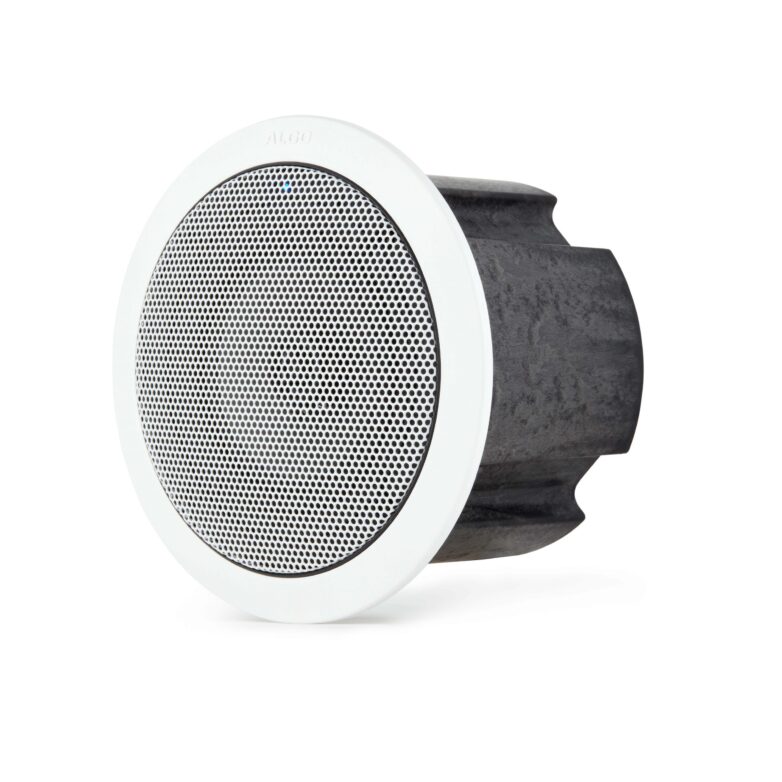
An online stream can be sent to Algo IP speakers, paging adapters, display speakers, and other compatible devices configured as multicast receivers. Depending on how multicast zones are organized, the audio can be distributed throughout a facility or limited to selected areas.
This can support environments such as retail stores, offices, schools, healthcare facilities, and manufacturing sites where the same audio needs to play across multiple rooms or departments.
The online source must use a supported audio stream format. Current format and multicast requirements are available in the live radio streaming documentation linked below.

Continuous or Scheduled Playback
Online radio can play continuously or run according to a schedule.
Using the Scheduler on the 8301, 8305, or 8312, administrators can create a Stream Audio event with defined start and stop times. Events can run once or repeat according to the facility’s calendar.
For example, a retail location could schedule background music to begin when the store opens and stop after closing. A school, office, or manufacturing facility could use a similar schedule to limit audio playback to operating hours.
This allows the stream to follow an established facility schedule without requiring someone to start and stop it manually each day.
Schedule audio streaming on the Algo 8301/8312 →
Schedule audio streaming on the Algo 8305 →
Maintaining Audio During a Network Disruption
A local MP3 file can also be configured as an offline music source.
When the online stream is available, the device gives priority to the stream URL. If the stream cannot be reached because of a network or Internet interruption, the local file can play in a continuous loop as an alternate audio source.
This helps maintain background audio during temporary connectivity issues without requiring another external playback device.
For more information, see the following resources:
- Use the Scheduler on the Algo 8301/8312
- Use the Scheduler on the Algo 8305
- Learn more about Algo multicast transmitters, receivers, and zones
- View the Algo 8301 IP Paging Adapter & Scheduler
- View the Algo 8305 Multi-Interface IP Paging Adapter
- View the Algo 8312 Expanded IP Paging Adapter
- View 5.7 release notes and documentation
Key Takeaways
- The Algo 8301, 8305, and 8312 adapters receive online audio streams and multicast them to devices across a network.
- Online audio can play continuously or according to a one-time or recurring schedule.
- If network disruptions occur, local MP3 files can act as backup audio sources, ensuring continuous playback.