October 2026.
Estimated reading time: 3 minutes
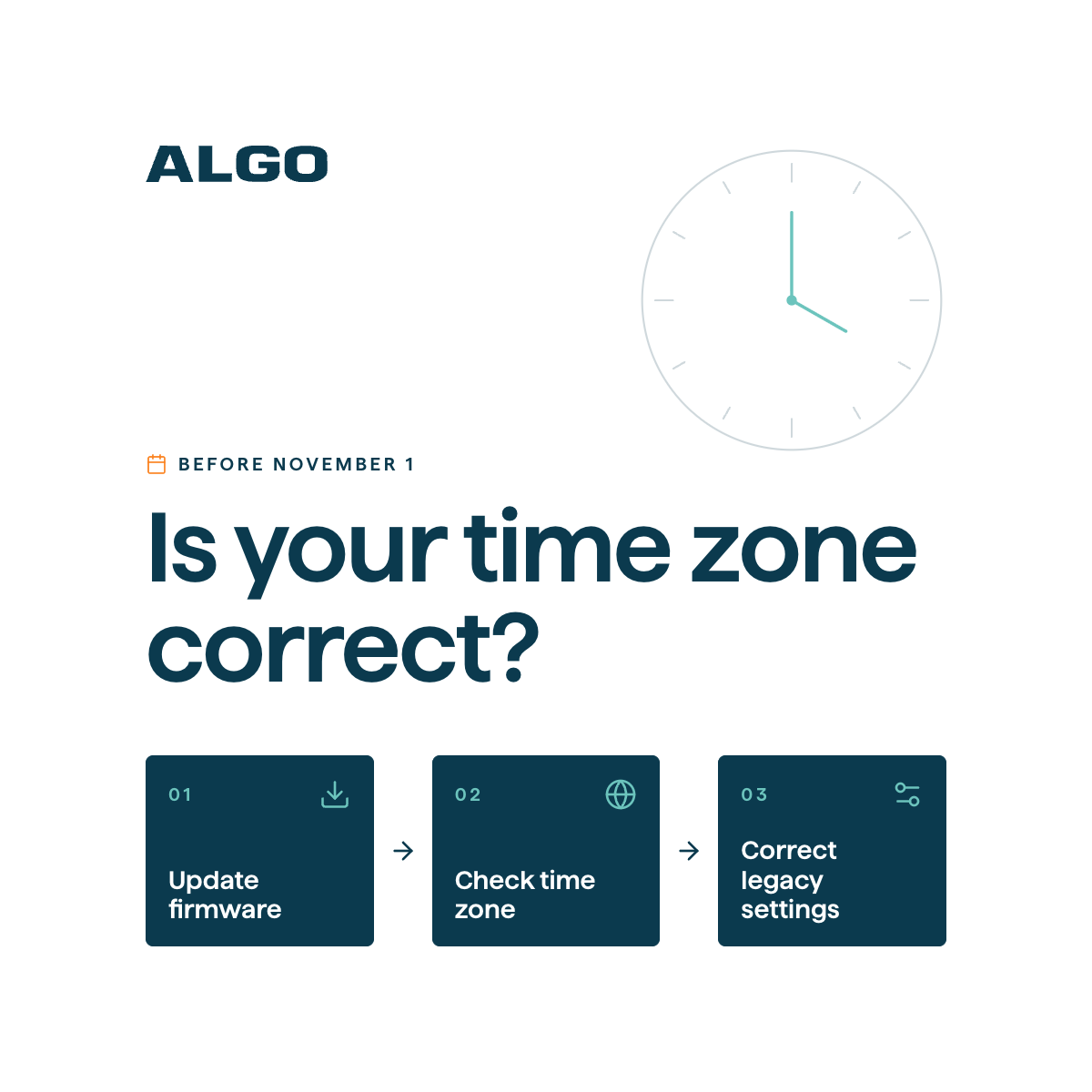
Effective November 1, 2026, several Canadian regions will stop observing seasonal clock changes. Customers with Algo devices in affected regions should ensure their firmware and time-zone settings are updated to maintain accurate local time and scheduled operations.
What’s Changing?
British Columbia, Alberta, western Saskatchewan/Lloydminster, Manitoba, and the Northwest Territories are transitioning to permanent year-round time standards.
To support these changes, Algo has updated its firmware accordingly:
- Firmware 5.7: Supports the British Columbia time-zone change.
- Firmware 5.7.2: Supports the additional changes affecting Alberta, western Saskatchewan/Lloydminster, Manitoba, and the Northwest Territories.
Customers in affected regions should verify their firmware versions and configured time zones before November 1, 2026.
What You Need to Do
Step 1: Verify Time Zone
In the device web interface, navigate to Advanced Settings > Time and ensure the selected time zone matches the device’s physical location. To confirm your correct time zone, refer to the IANA Time Zone Database.
Step 2: Update Firmware if applicable
Check your device’s current firmware version in the top-right corner of the device web interface or under System > About. Ensure devices are running Firmware 5.7 or higher for BC, or Firmware 5.7.2 or higher for the additional affected Canadian regions.
Step 3: Replace Legacy U.S. Time Zones if applicable
If your device is in an affected Canadian region but configured with an equivalent U.S. time zone (e.g., US/Pacific or US/Mountain), change it to the appropriate Canadian time zone.
Affected Regions and Required Firmware
| Region | Recommended IANA Time Zone | Required Firmware |
|---|---|---|
| British Columbia — most areas | America/Vancouver | 5.7 or higher |
| Alberta | America/Edmonton | 5.7.2 or higher |
| Western Saskatchewan/Lloydminster | America/Edmonton | 5.7.2 or higher |
| Manitoba — most areas | America/Winnipeg | 5.7.2 or higher |
| Northwest Territories — most/eastern areas | America/Yellowknife or America/Edmonton | 5.7.2 or higher |
| Northwest Territories — Inuvik area | America/Inuvik | 5.7.2 or higher |
Firmware Links
IP Speakers
- 8180 IP Audio Alerter
- 8186 IP Horn Speaker
- 8196 IP PoE+ Horn Speaker
- 8188 IP Ceiling Speaker
- 8198 IP PoE+ Ceiling Speaker
- 8189 IP Surface Mount Speaker
- 8197 IP PoE+ Weather-Hardened Horn Speaker
- 8199 IP PoE+ Surface Mount Speaker
- 8190 IP Speaker – Clock
- 8190S IP Speaker – Clock & Visual Alerter
- 8507 IP Horn Array Speaker
- 8516 IP Line Array Speaker
IP Paging Adapters
- 8301 IP Paging Adapter & Scheduler
- 8305 Multi-Interface IP Paging Adapter
- 8312 Expanded IP Paging Adapter
- 8373 IP Zone Paging Adapter
IP Intercoms
- 8028 IP Doorphone (Controller + Intercom)
- 8063 IP Door Controller
- 8201 IP PoE Intercom
- 8203 Vandal-Proof IP Intercom
IP Visual Alerters
IP Console
IP Displays
IP Clocks
IP Endpoint Management
Buttons
FAQs
How do I check my current firmware version?
Your firmware version is displayed in the top-right corner of the device web interface and under System > About.
How do I check or change my time zone?
Navigate to Advanced Settings > Time in the device web interface to review or update the selected time zone.
Which time zone should I select?
Select the appropriate time zone for your device’s physical location using the table above. You can also refer to the official IANA Time Zone Database for additional information.
Can I continue using US/Pacific or US/Mountain?
Yes, if your device is physically located in a region that continues following those U.S. time-zone rules. However, devices in affected Canadian regions should use the appropriate Canadian time zone rather than an equivalent U.S. time zone.
What happens if I don't update?
Devices running outdated firmware or using incorrect time-zone settings may display the wrong local time. This could also cause scheduled actions, including scheduled paging and alerts, to execute at unintended times.
Are devices outside the affected Canadian regions impacted?
No action is required for devices outside the affected regions specifically because of these Canadian time-zone changes.
Where can I get assistance?
For assistance with firmware updates or time-zone configuration, contact Algo Technical Support at support@algosolutions.com.
Review your firmware and time-zone settings before November 1, 2026, to ensure your Algo devices continue operating on the correct local time.