The Difference Between Algo Buttons
Compare Algo buttons by connection type, configurable actions, visual feedback, and deployment requirements to find the right option for your communication needs.
Overview
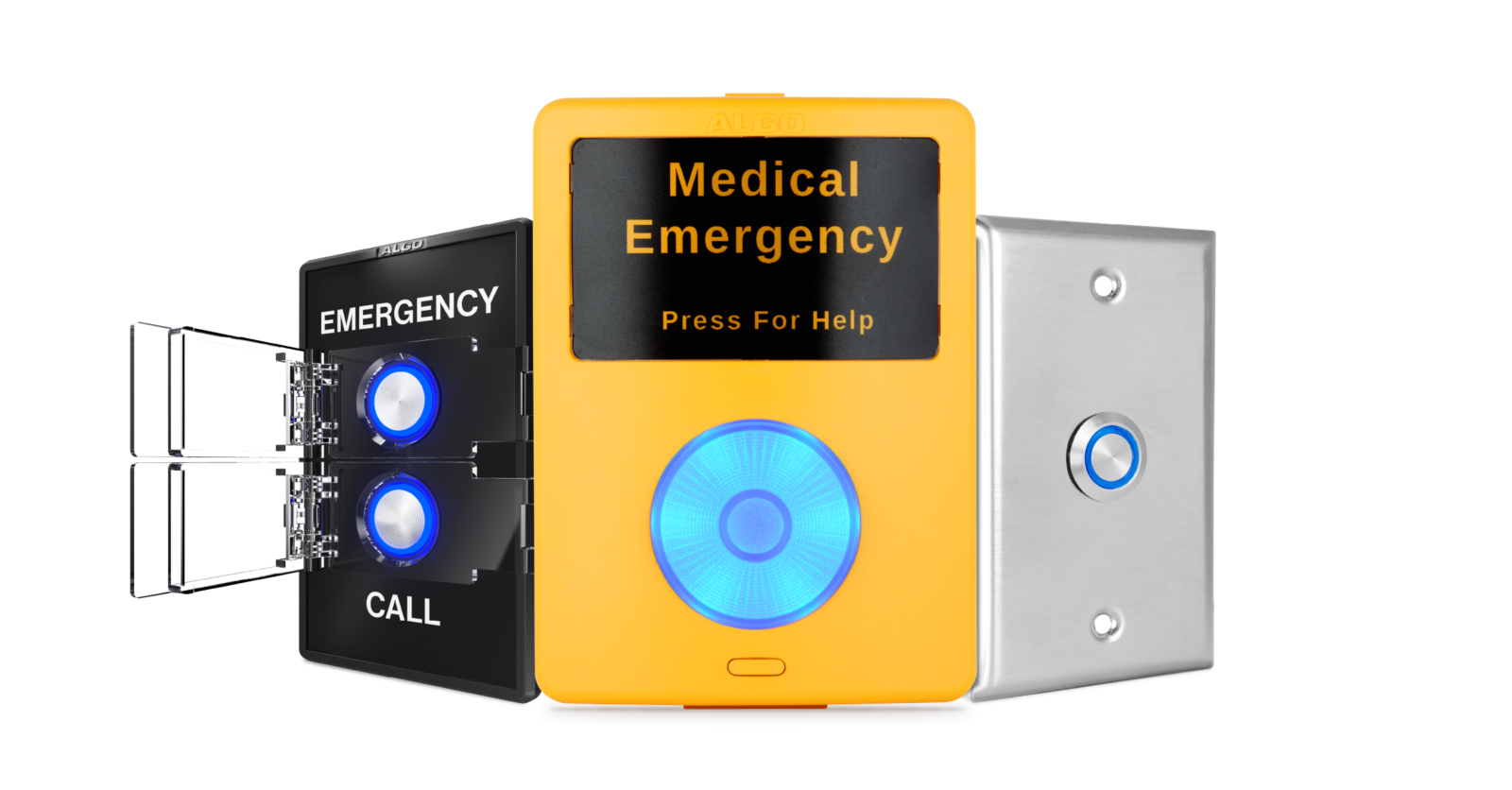
Algo buttons provide a physical interface for initiating calls, alerts, and other configured communication actions. Depending on the model, an Algo button can connect directly to the network as a standalone IP endpoint or connect to a compatible Algo IP endpoint through a smart relay connection.
Algo offers six button models:
- Algo 8211 IP Single Button
- Algo 8212 IP Dual Button*
- Algo 1211 Single Button
- Algo 1212 Dual Button
- Algo 1202 Call Button
- Algo 1203 Call Switch
The right model depends on the required network connection, number of configurable buttons, visual feedback, labeling, and physical installation requirements.
*Due to high demand, availability of the Algo 8211 and 8212 may be limited and will vary by distributor and region. Please contact your Algo representative.
What Do Algo Buttons Have in Common?
All six Algo buttons provide a simple physical interface for initiating configured communication actions from a fixed location.
Common features include:
- Simple activation: A dedicated physical button makes it easy to initiate a configured call, alert, or other communication action.
- Supervision: All Algo buttons can be supervised to provide visibility into device or connection status.
- Visual feedback: Illuminated buttons provide users with visible status or activation feedback.
- Fixed-location access: Algo buttons provide a dedicated point for initiating communication where users need immediate access to a physical control.
The primary differences between models are how they connect, how many configurable buttons they have, and the level of visual feedback and customization available.
Which Algo Button Should You Choose?
While all six models provide a physical interface for initiating communication, each is suited to different installation and interaction requirements.
| Model | Best For | Key Distinction |
|---|---|---|
| 8211 IP Single Button* | Locations requiring one physical button with direct network connectivity. | Standalone IP endpoint with one physical button. |
| 8212 IP Dual Button* | Locations requiring two physical buttons with direct network connectivity. | Standalone IP endpoint with two physical buttons. |
| 1211 Single Button | Locations with a compatible Algo IP endpoint that require one physical smart relay button. | Smart relay accessory with one physical button. |
| 1212 Dual Button | Locations with a compatible Algo IP endpoint that require two physical smart relay buttons. | Smart relay accessory with two physical buttons. |
| 1202 Call Button | Locations where an assistance, alert, or emergency-response button needs to be easily noticeable. | High-visibility wall-mounted smart relay accessory. |
| 1203 Call Switch | Indoor environments requiring an illuminated button for everyday communication or emergency response. | Illuminated smart relay accessory for indoor environments. |
Algo Button Feature Comparison
| Feature | 8211 | 8212 | 1211 | 1212 | 1202 | 1203 |
|---|---|---|---|---|---|---|
| Device type | IP endpoint | IP endpoint | Smart relay accessory | Smart relay accessory | Smart relay accessory | Smart relay accessory |
| Buttons | One configurable button | Two configurable buttons | One configurable button | Two configurable buttons | Single programmable button+ secondary stop/pausebutton | Single programmable button |
| Connection Method | Direct network connection via PoE | Direct network connection via PoE | Smart relay | Smart relay | Smart relay | Smart relay |
| Requires Compatible Algo IP Endpoint | No | No | Yes | Yes | Yes | Yes |
| Supervision | Direct network supervision | Direct network supervision | Through connected Algo endpoint | Through connected Algo endpoint | Through connected Algo endpoint | Through connected Algo endpoint |
| Visual Feedback | Configurable multi-color LED states and flash patterns | Configurable multi-color LED states and flash patterns | Configurable multi-color LED states and flash patterns | Configurable multi-color LED states and flash patterns | Illuminated button, high-visibility LED | Illuminated button |
| Labeling | Interchangeable label insert | Interchangeable label insert | Interchangeable label insert | Interchangeable label insert | N/A | N/A |
| Optional protective covers | Yes | Yes, one or both buttons | Yes | Yes, one or both buttons | N/A | N/A |
IP Algo Buttons vs. Smart Relay Accessories
One of the main considerations when selecting an Algo button is how it connects to the communication system.
The Algo 8211 IP Single Button and Algo 8212 IP Dual Button are standalone IP endpoints that connect directly to the network.
The Algo 1211 Single Button, Algo 1212 Dual Button, Algo 1202 Call Button, and Algo 1203 Call Switch connect to a compatible Algo IP endpoint through a smart relay connection.
8211 IP Single Button
Single-button IP endpoint for fast, flexible activation
The Algo 8211 IP Single Button is a standalone IP button that connects directly to the network.
The button supports press and long-press actions, for two configurable actions total. It features a configurable multi-color illuminated button, selectable faceplate labels, and an optional protective cover.
The 8211 is suited to locations that require one physical button and direct network connectivity.

8212 IP Dual Button
Dual-button IP endpoint for fast, flexible activation
The Algo 8212 IP Dual Button is a standalone IP button that connects directly to the network.
Each button supports press and long-press actions, for four configurable actions total. It features configurable multi-color illuminated buttons, selectable faceplate labels, and optional protective covers.
The 8212 is suited to locations that require two physical buttons and direct network connectivity.
1211 Single Button
Single-button smart relay accessory for fast, flexible activation
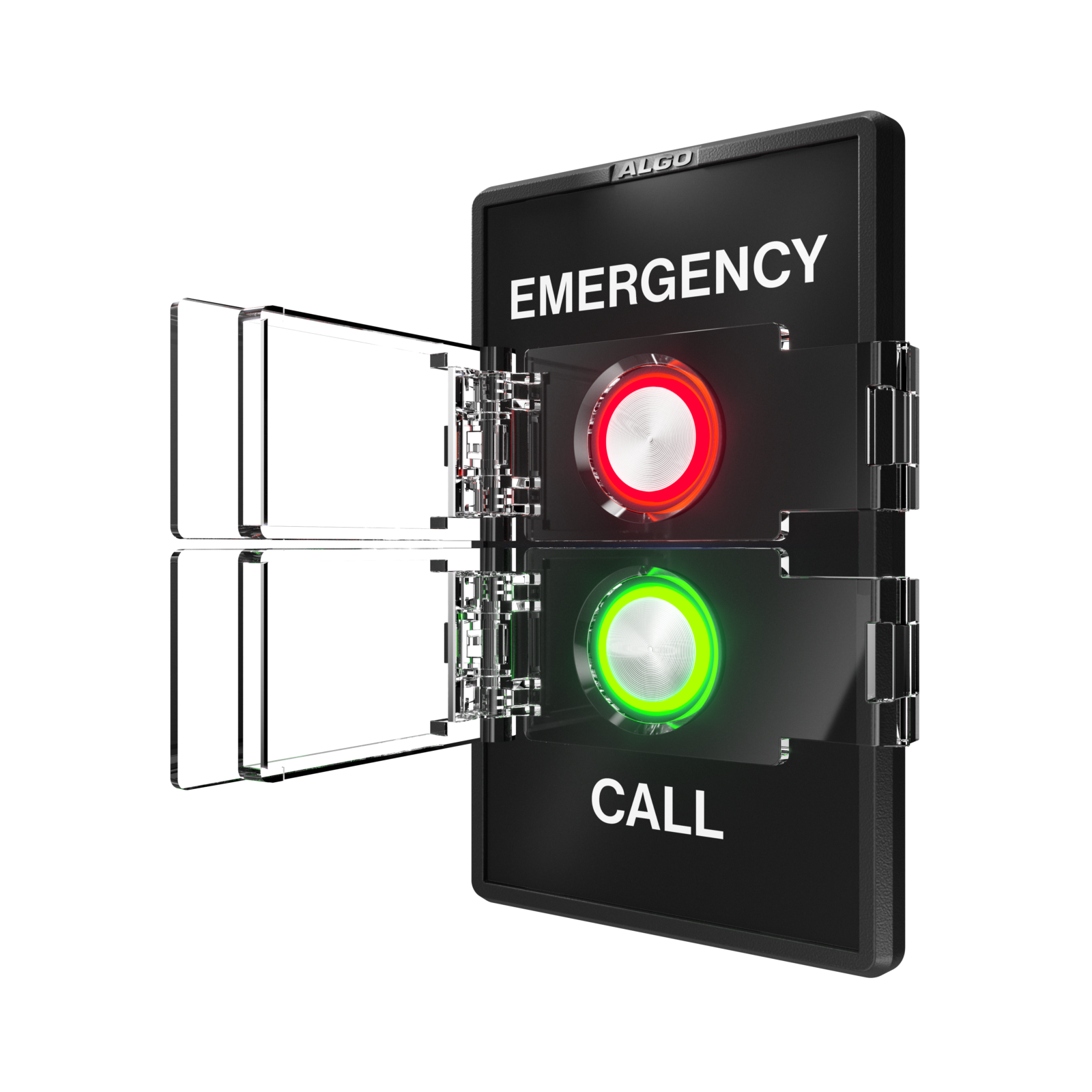
The Algo 1211 Single Button is a smart relay accessory that connects to a compatible Algo IP endpoint. The button supports press and long-press actions, for two configurable actions total. It features a configurable multi-color illuminated button, selectable faceplate labels, and an optional protective cover.
The 1211 is suited to locations where a compatible Algo IP endpoint is available and one physical button is required.

1212 Dual Button
Dual-button smart relay accessory for fast, flexible activation
The Algo 1212 Dual Button is a smart relay accessory that connects to a compatible Algo IP endpoint.
Each button supports press and long-press actions, for four configurable actions total. It features configurable multi-color illuminated buttons, selectable faceplate labels, and optional protective covers.
The 1212 is suited to locations where a compatible Algo IP endpoint is available and two physical buttons are required.

1202 Call Button
High-visibility call button for assistance, alerting, and emergency response
The Algo 1202 Call Button is a wall-mounted accessory that is easily noticeable, connects to a compatible Algo IP endpoint via smart relay connection and can be configured to initiate a call or alert for customer assistance, notification, or emergency response.
The 1202 is suited to locations where users need a highly visible physical button for initiating a configured communication action.

1203 Call Switch
Illuminated call switch for indoor environments
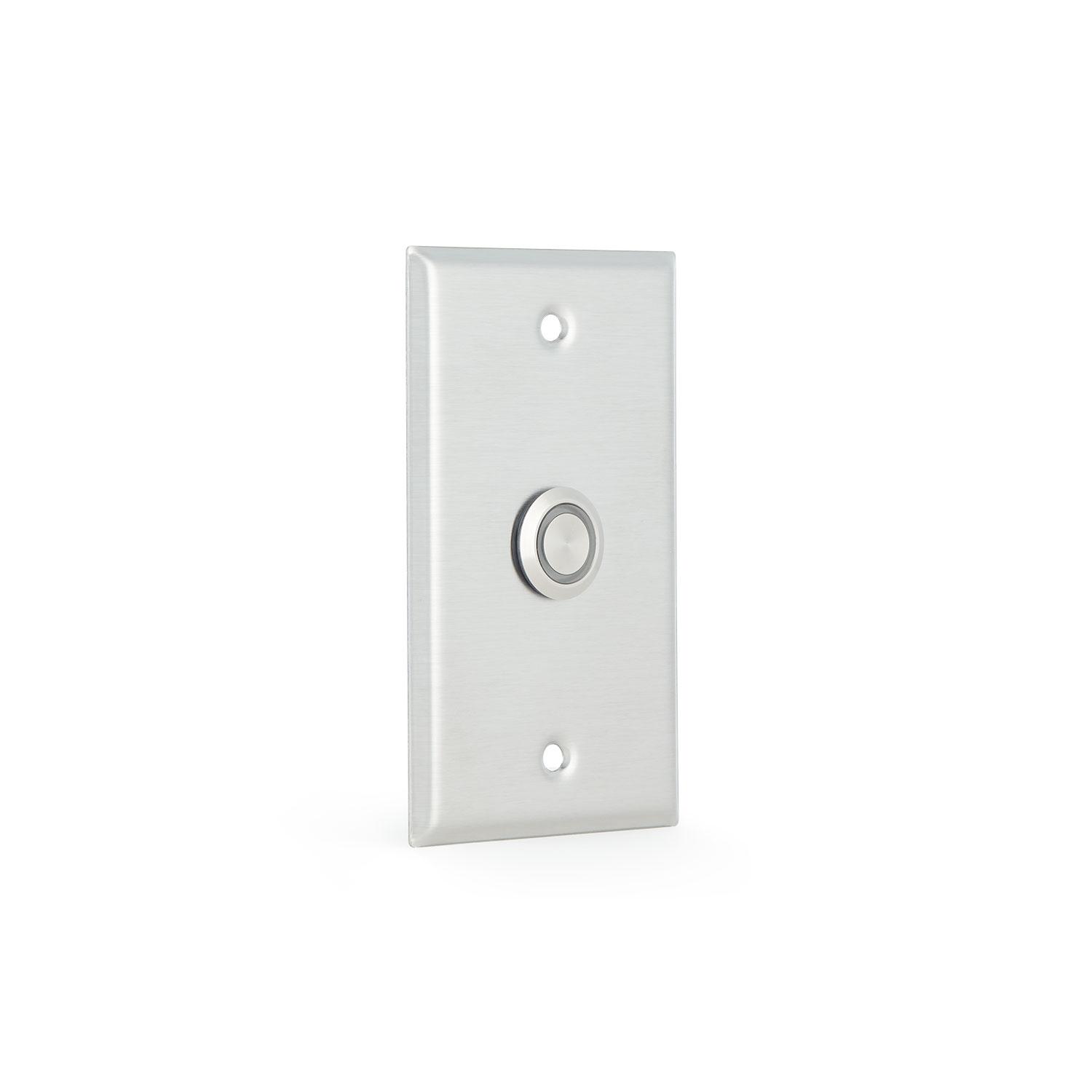
The Algo 1203 Call Switch is an illuminated call button that connects to a compatible Algo IP endpoint via smart relay connection and supports everyday communication and emergency response workflows.
The 1203 is suited to indoor environments where a compact illuminated physical control is required.
Compare the Full Specifications
For the full Algo Button comparison, view the following:


