Comment les boutons « Algo » complètent les boutons sans fil et les boutons portables
Découvrez comment les boutons Algo fixes complètent les boutons sans fil et portables en offrant aux systèmes de communication des établissements des points d’activation cohérents et géolocalisés.
Durée estimée de lecture : 4 minutes
Présentation générale
Les boutons fixes et mobiles offrent différentes façons d’initier une communication.
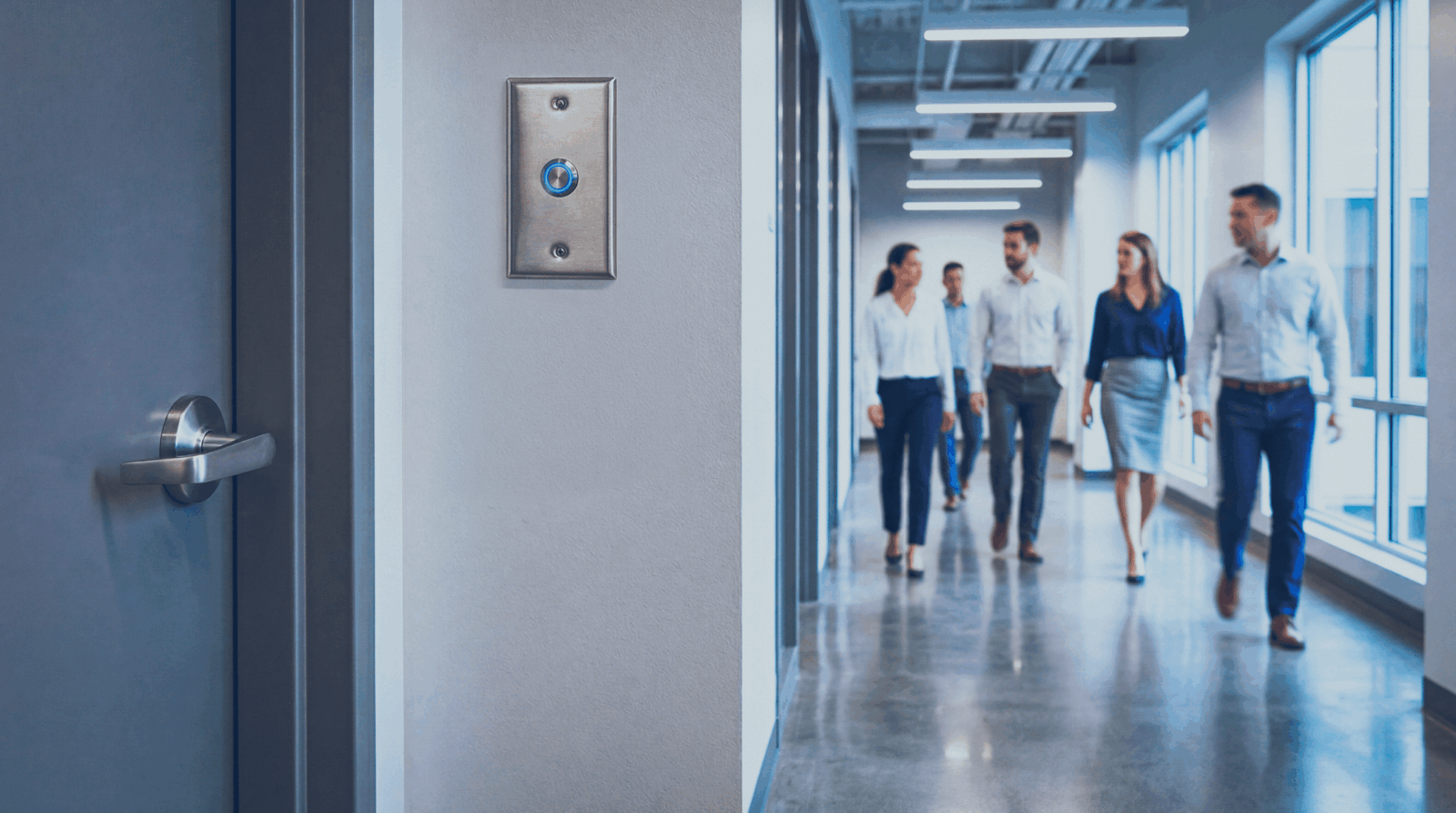
Les boutons fixes sont installés à des emplacements précis, offrant ainsi un point d’activation constant à un endroit connu. Les boutons mobiles, notamment les boutons sans fil et les boutons portables, accompagnent l’utilisateur et lui permettent de déclencher une alerte où qu’il se trouve.
Ces solutions peuvent être utilisées conjointement pour répondre aux besoins de différents utilisateurs, sites et modes de communication.
En quoi les boutons fixes complètent-ils les boutons mobiles ?
Les boutons mobiles suivent l’utilisateur, tandis que les boutons fixes sont installés à des emplacements spécifiques. Le déploiement de ces deux types de boutons permet aux organisations d’organiser leur mise en service en fonction des personnes et des lieux.
Les boutons fixes complètent les boutons mobiles en offrant :
- Un point d’activation constant : le bouton reste toujours au même endroit et est facile à repérer.
- Accès partagé : plusieurs utilisateurs peuvent accéder au même bouton sans avoir besoin d’appareils individuels.
- Assistance aux agents temporaires : les enseignants remplaçants ou tout autre personnel temporaire peuvent utiliser cette fonctionnalité sans qu’un appareil mobile leur soit attribué.
- Moins de risque de perte ou d’égarement : le bouton ne peut pas être emporté hors de la zone qu’il dessert.
- Un accès constant malgré les changements de personnel : le point d’activation reste associé à la salle, quelle que soit la personne qui l’utilise.
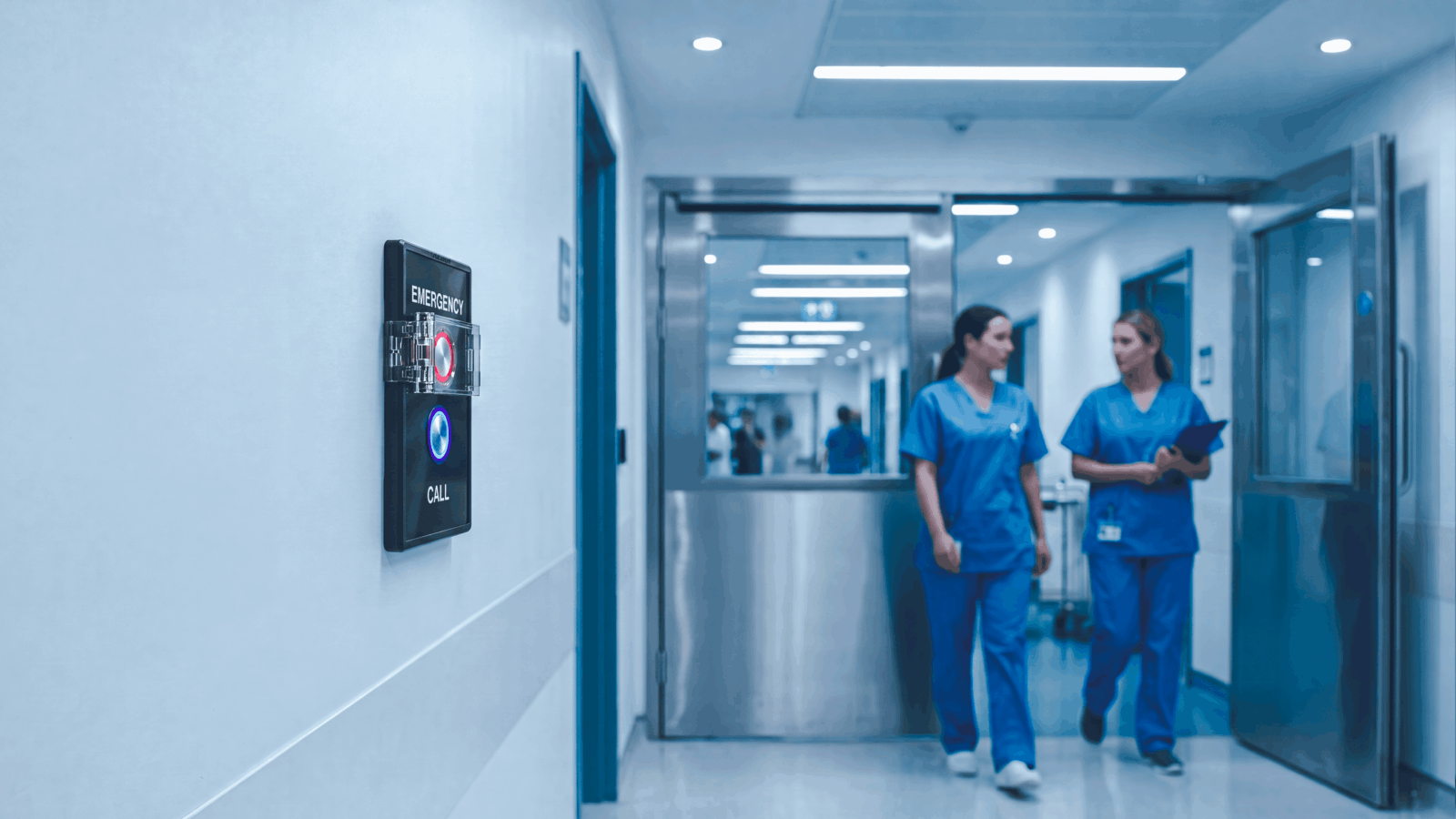
Certains modèles de boutons Algo intègrent directement la fonctionnalité IP, tandis que d’autres se connectent en tant qu’accessoires à un terminal Algo IP.
Cela permet aux organisations d’ajouter des points d’activation fixes à leur infrastructure de communication existante sans les considérer comme des systèmes autonomes.
En savoir plus sur les fonctionnalités des boutons IP au prix des accessoires.
Pour comparer la gamme de boutons Algo, consultez l’article « La différence entre les boutons Algo ».
Comment les boutons fixes et mobiles peuvent-ils fonctionner ensemble dans les établissements scolaires ?
Les établissements scolaires illustrent parfaitement l’utilité de ces deux types de boutons. Les enseignants, les responsables administratifs, le personnel de soutien et les autres employés peuvent se déplacer tout au long de la journée entre les salles de classe, les couloirs, les bureaux, les espaces extérieurs et les installations communes, alors que de nombreux processus de communication au sein de l’établissement sont liés à des salles et à des emplacements spécifiques.
- Salles de classe : les enseignants peuvent se déplacer dans toute l’établissement avec des boutons portables, tandis qu’un bouton fixe permet à toute personne utilisant la salle de classe de déclencher l’alerte. Cette solution est particulièrement utile pour les enseignants remplaçants ou les autres membres du personnel qui ne disposent pas nécessairement d’un appareil portable attitré.
- Accueil et espaces de réception : le personnel d’accueil passe certes une grande partie de la journée à son bureau, mais se déplace tout de même dans l’ensemble du bâtiment. Un bouton fixe offre un point d’activation constant au niveau du bureau, tandis qu’un bouton mobile permet au personnel d’utiliser le système lorsqu’il s’éloigne de cette zone.
- Espaces communs du personnel : les salles du personnel, les bureaux partagés et autres espaces communs peuvent être utilisés par plusieurs employés tout au long de la journée. Un bouton fixe permet à ces utilisateurs d’accéder au même point d’activation sans que chacun ait à se munir d’un appareil individuel.
- Espaces administratifs et de soutien : les services d’orientation, les postes infirmiers, les bureaux administratifs et autres espaces délimités peuvent utiliser à la fois des boutons fixes et des appareils mobiles. Le personnel peut utiliser le bouton fixe lorsqu’il se trouve dans la pièce et le bouton mobile lorsqu’il se déplace ailleurs.
- Couloirs, espaces extérieurs et autres environnements mobiles : le personnel chargé de la surveillance des couloirs, des installations sportives, des cantines ou des espaces extérieurs ne se trouve pas toujours à proximité d’un bouton fixe. Les boutons mobiles viennent en aide à ces utilisateurs où qu’ils se trouvent, tandis que les boutons fixes continuent d’être utilisés dans les salles de classe, les bureaux et autres lieux connus.
Ensemble, ces solutions offrent aux établissements scolaires davantage de souplesse quant à la manière dont le personnel accède aux processus de communication et d’alerte.

Quelles sont les implications de la loi Alyssa pour les boutons fixes et mobiles ?
Les dispositions de la loi Alyssa varient selon les juridictions.
Certains États imposent l’utilisation de systèmes d’alerte d’urgence mobiles, tandis que d’autres exigent des appareils portables, des alarmes d’urgence silencieuses, la notification directe des forces de l’ordre, l’intégration aux services de sécurité publique ou d’autres fonctionnalités.
Les exigences variant d’un établissement à l’autre, les écoles devraient examiner les lois et les réglementations en vigueur dans leur juridiction plutôt que de partir du principe qu’un seul type de badge répond à toutes les exigences.
Les organisations doivent vérifier les exigences applicables auprès des autorités compétentes au niveau de l’État, du district, de la sécurité publique et des autorités judiciaires, puis évaluer leur conformité.
Pour plus d’informations, consultez la loi Alyssa.
Points clés à retenir
- Les organisations peuvent utiliser diverses méthodes pour établir une communication avec Algo, notamment la console IP 8450, des boutons, des appels SIP, des requêtes API et des capteurs externes.
- La console IP Algo 8450 permet aux utilisateurs de diffuser des messages et de déclencher des alertes via une interface à écran tactile.
- Les boutons « Physical Algo » permettent de déclencher des alertes en fonction de l’emplacement, sans avoir à mémoriser les numéros de poste.
- Les extensions SIP permettent aux employés de déclencher des alertes directement depuis leurs systèmes de communication existants.
- Les API REST et les sources externes permettent une communication automatisée déclenchée par des événements spécifiques, ce qui améliore l’efficacité des flux de travail.
Quelle est la principale différence entre un bouton fixe et un bouton mobile ?
Un bouton fixe est installé à un emplacement précis et offre un point d’activation physique constant. Un bouton mobile suit les déplacements de l’utilisateur et peut être activé où qu’il se trouve.
Pourquoi utiliser un bouton fixe alors que le personnel dispose déjà de boutons mobiles ?
Un bouton fixe reste toujours au même endroit et peut être utilisé par plusieurs personnes. Il n’est pas nécessaire de l’attribuer, de le transporter, de le partager ou de le remettre à du personnel temporaire.
Les boutons fixes sont-ils pertinents alors que la loi Alyssa impose l'installation de dispositifs d'alarme mobiles ?
Oui, les boutons Algo complètent les appareils sans fil et portables en offrant des points d’activation supplémentaires à des emplacements spécifiques.
Quel bouton « Algo » dois-je utiliser ?
Algo propose plusieurs modèles de boutons adaptés à différents besoins en matière d’installation et de communication. Consultez l’article « La différence entre les boutons Algo » pour en savoir plus.